
Maccy vs Paste 3: Why Elite Power Users are Killing the Subscription Model
The High Cost of “Pretty” Productivity
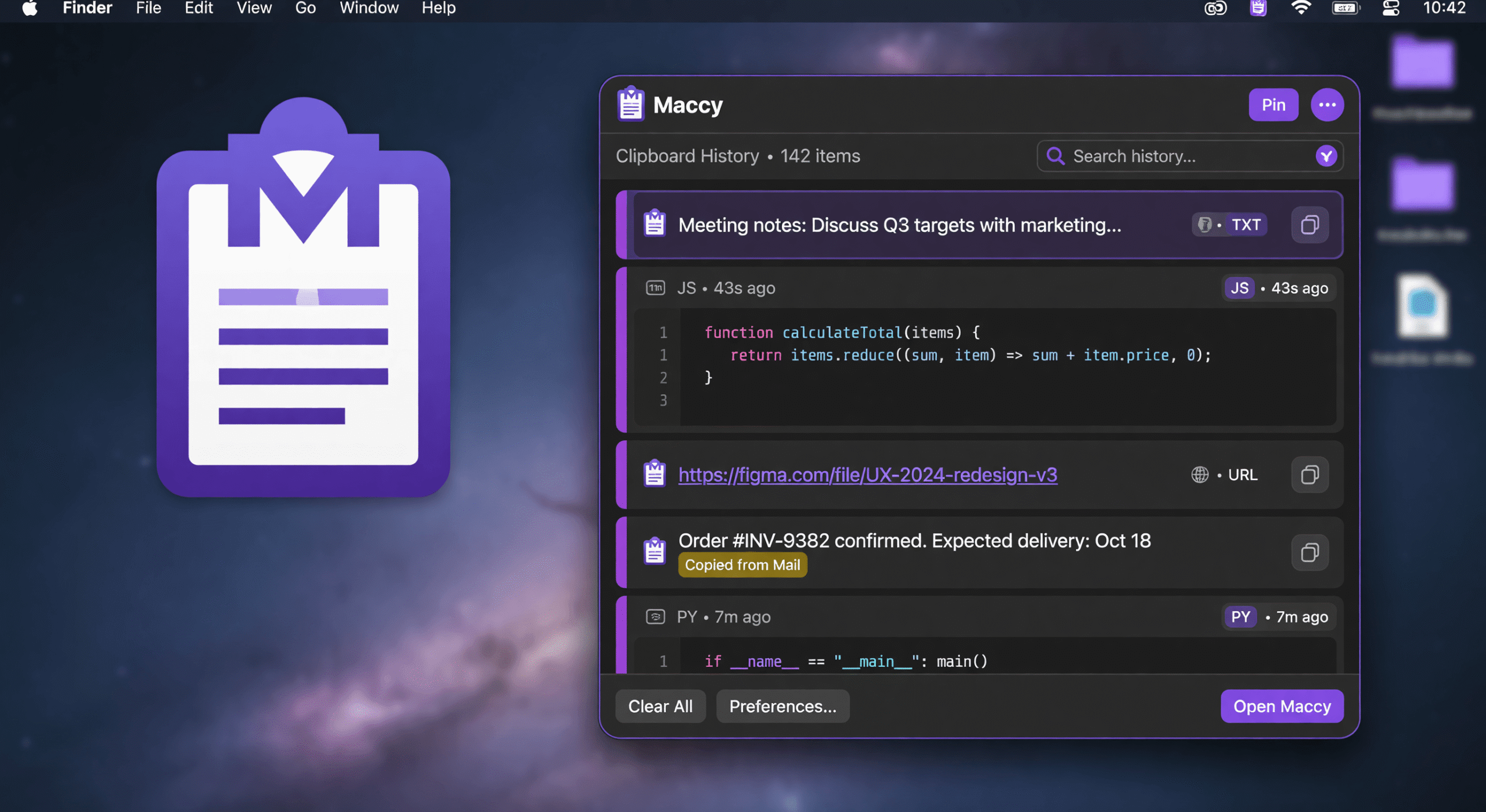
In 2026, the “Subscription Economy” has reached a breaking point. Every single tool on your Mac seems to demand a monthly tribute. Paste 3 is a prime example: a beautiful, visual, cloud-synced clipboard manager that looks great but carries a heavy price tag and even heavier system requirements.
If you are a professional who values workflow integrity over flashy animations, you don’t need another subscription. You need a tool that respects your hardware and your wallet. You need Maccy.
“Efficiency isn’t about how many features an app has; it’s about how many obstacles it removes from your path. Paste 3 adds features; Maccy removes friction.”
The Subscription Trap: Why Paste 3 Costs More Than You Think
The biggest issue with Paste 3 isn’t the interface—it’s the business model. For a utility that performs a single, fundamental task, a recurring monthly fee is hard to justify. Over a few years, you end up paying hundreds of dollars for a feature that should be a permanent part of your OS.
- The Financial Drain: Subscription models punish long-term users. With Maccy, you pay once (or use the free version) and own your productivity forever.
- The Cloud Tax: Paste 3 relies heavily on cloud synchronization. This means you are paying for server costs that are passed down to you, often at the expense of your privacy and speed.
- The Resource Overhead: Because Paste 3 is designed to be a visual “board,” it consumes significantly more RAM and CPU than a native utility.
Speed vs. Visuals: The Professional’s Choice
Let’s be honest: most people don’t need a “gallery” of their copied items. You don’t want to browse through large, colorful cards to find a snippet of code or a URL. You want to find it and paste it.
This is where the Maccy vs Paste 3 debate is won. Paste 3 is designed for visual browsing. Maccy is designed for instantaneous retrieval. Maccy uses a keyboard-first approach. You hit your hotkey, type two letters, and hit Enter. It is surgical. It is precise. It is invisible.
Native Swift: The M4/M5 Advantage
As we move deeper into the era of Apple Silicon, the gap between “cross-platform” apps and “native” apps has become a canyon. Paste 3, while polished, lacks the raw, low-level integration that a Swift-native app provides.
Maccy is built specifically for macOS. It communicates directly with the NSPasteboard. On the latest M4 and M5 MacBook Pro models, Maccy responds with zero-latency. It feels like a part of the operating system itself, not an app running on top of it.
The Brutal Comparison
| Feature | Paste 3 | Maccy |
|---|---|---|
| Pricing Model | Monthly Subscription | One-time Purchase |
| Architecture | Heavy / Visual | Lightweight / Native Swift |
| Search Style | Visual Browsing | Instant Text Search |
| Privacy | Cloud-Dependent | 100% Local |
| System Impact | Moderate to High | Negligible |
The Verdict: Stop Renting Your Productivity
If you want a beautiful, visual toy that you don’t mind paying for every single month, choose Paste 3. But if you want a professional-grade tool that stays out of your way, respects your privacy, and works with the speed of light, the choice is obvious.
Stop renting your clipboard. Start owning it with Maccy.
Frequently Asked Questions
Is Maccy better for developers than Paste 3?
Yes. Developers require speed and precision. Maccy’s native Swift architecture and regex search capabilities make it far superior for handling code snippets and terminal outputs without the lag of a visual-heavy app.
Does Maccy work on the latest macOS?
Absolutely. Maccy is updated constantly to ensure compatibility with the latest macOS releases and Apple Silicon (M1 through M5) hardware.
Can I use Maccy for free?
Yes, Maccy offers a powerful free version. For advanced features like regex search and custom icons, you can upgrade to the Pro version with a single, one-time payment.